
A pillar guide to spotting fake shopping websites, checking store trust signals, choosing safer payments, and responding if you already paid.
Last checked: May 19, 2026. Scam stores change domains quickly. Use this guide as a decision checklist, then verify the store, payment method, and refund path before entering card or personal details.
Quick answer
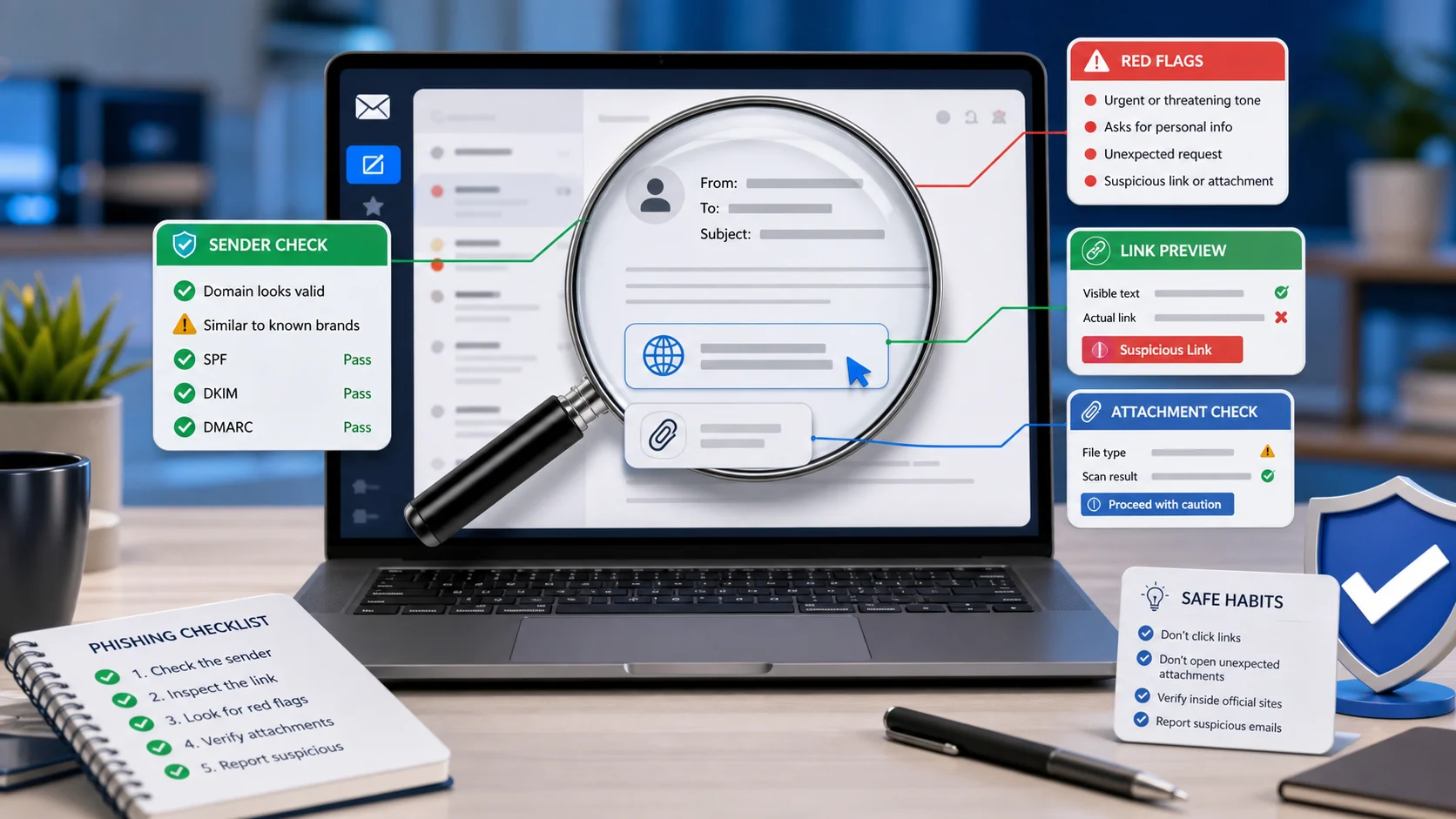
A fake shopping website often uses unusually low prices, copied product images, fake reviews, pressure timers, vague contact details, and payment methods that are hard to reverse. Before paying, check the domain, company details, refund policy, independent reviews, and payment protection.
If you already paid on a suspicious site, contact your bank or payment provider quickly, save evidence, change any reused password, and report the scam.
Why fake stores work
Fake stores do not need to fool everyone. They only need to look real enough during a quick sale. Many copy product photos, brand logos, customer reviews, shipping banners, and checkout pages from legitimate sites.
The strongest trick is urgency. A countdown timer, "only 2 left", or "90% off today" makes people skip checks they would normally do. The site may disappear after collecting payments, card data, email addresses, phone numbers, or passwords.
Warning signs before checkout
- Prices are far lower than trusted retailers.
- The domain has misspellings, extra words, or strange endings.
- Contact details are missing or only show a generic email.
- The return policy is copied, vague, or unrealistic.
- Reviews are repetitive, too perfect, or all posted recently.
- The site has no real company address or registration details.
- Payment options push bank transfer, crypto, gift cards, or payment apps.
- Product photos appear on many unrelated stores.
- Social media ads lead to a store with little history.
- Checkout asks for unnecessary identity details.
One warning sign does not prove fraud, but several together should stop the purchase.
Check the domain
Look closely at the domain name, not just the logo. Scammers often use domains that imitate brands with small changes. Examples include added words, swapped letters, hyphens, or unusual endings.
Search the store name plus "review", "scam", "complaint", "refund", and "contact". Do not rely only on reviews shown on the store's own website. Search outside the site.
Check the business details
A legitimate store should make it easy to find:
- Company name.
- Physical address or registered business details where applicable.
- Customer support contact.
- Clear refund and return rules.
- Shipping times and costs.
- Privacy policy and terms.
Weak policies are a red flag. Scam stores often use generic text that does not match the products, country, or payment process.
Payment risk by method
| Payment method | Risk level | Why it matters |
|---|---|---|
| Credit card | Lower | Often has dispute and chargeback options, depending on issuer and country. |
| PayPal or protected wallet | Medium | Protection depends on the transaction type and policy. |
| Debit card | Medium to high | Money can leave your account quickly; dispute rules vary. |
| Bank transfer | High | Harder to reverse once sent. |
| Gift card or crypto | Very high | Common scam payment methods and often irreversible. |
If a store refuses safer payment methods, treat that as a serious warning.
What to do if you already paid
Act quickly:
- Contact your bank, card issuer, wallet provider, or payment platform.
- Ask whether the payment can be stopped, disputed, frozen, or monitored.
- Save the website URL, order page, receipt, emails, tracking number, and screenshots.
- Change your password if you created an account and reused that password elsewhere.
- Watch for phishing emails pretending to be delivery updates or refund support.
- Report the site to your local consumer protection or fraud reporting agency.
If you entered card details, ask your bank whether the card should be replaced.
Red flags after ordering
After payment, scam stores may send fake tracking numbers, copied shipping pages, or delay messages that keep you waiting until dispute windows close. Be cautious if support keeps promising "one more week", asks for an extra customs fee through a new link, or refuses to provide a clear carrier and tracking record.
How to reduce future risk
Use a password manager so every store has a unique password. Prefer virtual card numbers if your bank offers them. Keep browser and phone updates current. Avoid shopping through links in unsolicited messages, unfamiliar ads, or influencer posts that do not clearly identify the seller.
For expensive items, buy from known retailers or official brand stores. If the discount looks impossible, assume there is a catch until proven otherwise.
FAQ
Does HTTPS mean a store is safe?
No. HTTPS means the connection is encrypted. Scam sites can also use HTTPS. It is necessary, but it is not proof of legitimacy.
Are social media ads safe?
Not automatically. Scam stores can buy ads. Treat every unfamiliar store as unverified until you check it outside the platform.
Should I wait for delivery before reporting?
If the site has strong scam signs or you shared sensitive payment details, contact your payment provider immediately. Waiting can reduce your options.
Sources
- FTC online shopping scam guidance: consumer.ftc.gov
- FTC phishing guidance: consumer.ftc.gov
- Report fraud to the FTC: reportfraud.ftc.gov
- CISA Secure Our World: cisa.gov
Before you move on
Consumer scam response. Use this short checklist to turn the article into action.
- Do not reply with OTPs, login codes, or recovery phrases.
- Verify urgent requests through a separate trusted channel.
- Warn contacts quickly if your account may have been used.
This guide is written for practical user safety. For account, platform, or legal decisions, confirm critical steps with the official help center or your service provider.