
A pillar guide to YouTube privacy settings, watch and search history, subscriptions, playlists, comments, ad personalization, and Google Account security.
Last checked: May 19, 2026. YouTube settings can vary by app version, country, account type, and whether the account is personal, supervised, brand, work, or school-managed.
Quick answer
Review YouTube watch history, search history, public subscriptions, public playlists, comment visibility, ad personalization, connected apps, channel permissions, and Google Account security. You do not need to stop using YouTube to improve privacy; you need to control what is saved and what is public.
Because YouTube is connected to your Google Account, YouTube privacy and Google account security should be reviewed together.
Why YouTube privacy matters
YouTube activity can reveal interests, habits, learning goals, health questions, political views, religion, entertainment patterns, location clues, and work research. Some activity affects recommendations and ads. Some profile settings can be public.
Private viewing habits may become sensitive if you share a device, use a family account, manage a public channel, or connect third-party tools.
Settings to review first
| Area | Why it matters |
|---|---|
| Watch history | Influences recommendations and stores what you watched. |
| Search history | Can reveal private interests and research. |
| Subscriptions | May be public depending on settings. |
| Playlists | Public playlists can reveal interests or private projects. |
| Comments | Public comments may appear with your profile identity. |
| Ad personalization | Uses activity signals for advertising. |
| Connected apps | Third-party tools may access account data. |
| Channel permissions | Important for creators and brand channels. |
Start with history and public profile settings, then move to account security.
Watch and search history
Watch history improves recommendations, but it can also store sensitive activity. If you share a device or account, review saved activity and delete items you do not want stored.
You can pause watch history or search history for sessions where you do not want activity to affect recommendations. You can also delete history through YouTube or Google account activity controls.
Pausing history may make recommendations less personalized. That is a tradeoff, not a bug.
Public subscriptions
Subscriptions can reveal interests, communities, work research, political preferences, religious content, or creator relationships. If privacy matters, make subscriptions private.
Creators should check this from the account they use publicly. A personal subscription list can look unprofessional or reveal private research.
Playlist privacy
Playlists can be public, unlisted, or private depending on YouTube's current options. Public playlists are visible to others. Unlisted playlists may be accessible to anyone with the link. Private playlists are more restricted.
Review playlists related to:
- Health.
- Finance.
- School research.
- Work training.
- Family videos.
- Client projects.
- Personal interests you do not want public.
Change privacy settings where needed.
Comments and profile visibility
Comments are public in many contexts and may be connected to your channel identity. Before commenting from a professional, creator, or business account, check which profile will appear.
If you manage multiple channels, make sure you are using the correct identity before replying.
Creator and brand channel checks
If you manage a public channel, privacy is also a brand-safety issue. Review who can access the channel, which tools are connected, and whether old agencies, editors, or freelancers still have permissions.
Creators should separate personal viewing from public channel operations where practical. This reduces the chance of posting, commenting, subscribing, or saving playlists from the wrong account.
Ad personalization
Google ad settings may use activity signals to personalize ads. If you want less personalization, review Google ad settings and YouTube activity controls.
This will not remove all ads. It changes how some ads may be selected.
Connected apps and devices
Review third-party apps and services connected to your Google Account. Remove old YouTube analytics tools, extensions, automation tools, or apps you no longer trust.
Creators should be stricter because connected apps may affect channel data, uploads, comments, or analytics depending on permissions.
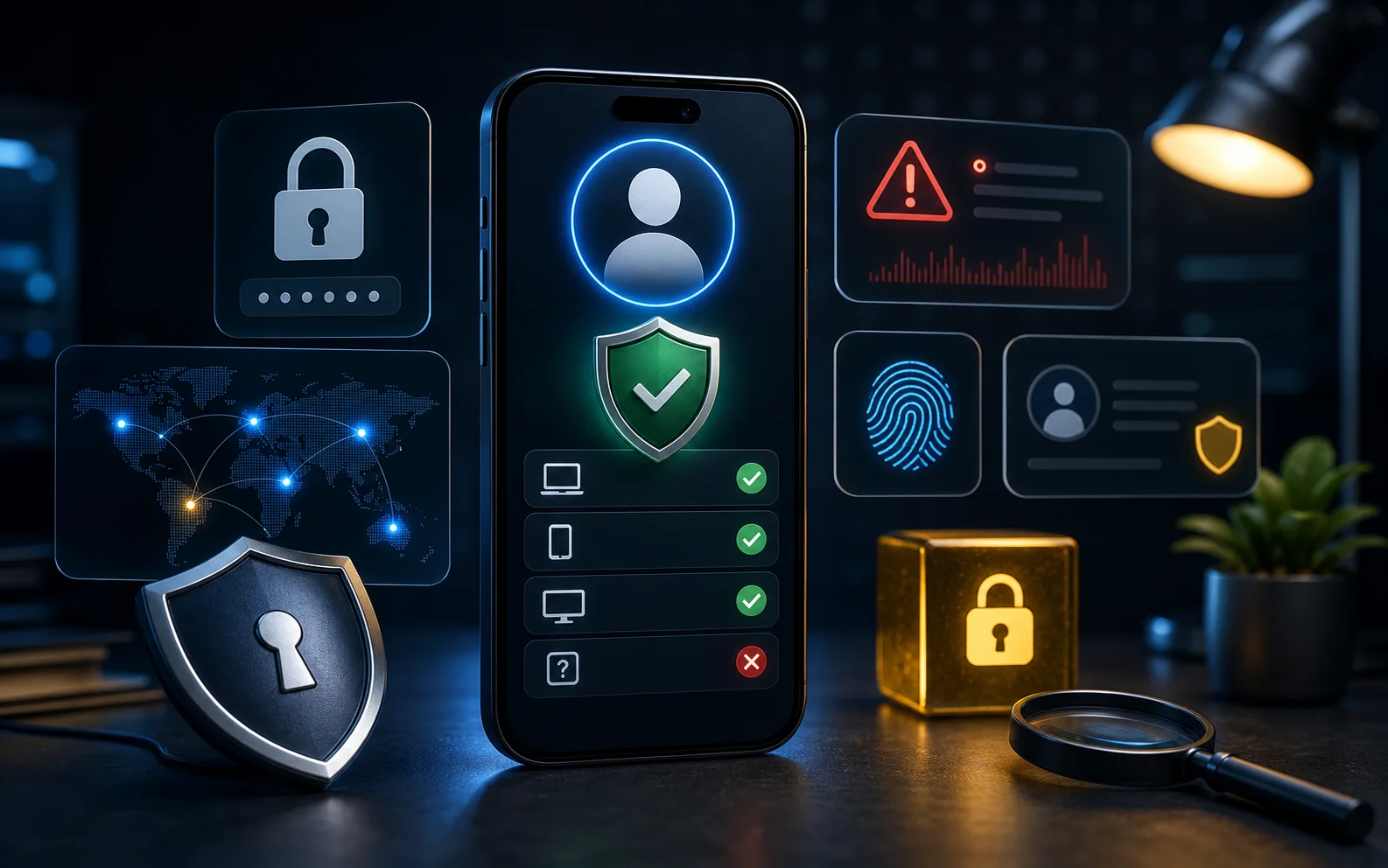
Google Account security
YouTube account security depends on Google Account security. Review:
- Password strength.
- 2-Step Verification.
- Passkeys where available.
- Recovery email and phone.
- Signed-in devices.
- Security alerts.
- Third-party access.
If you run a YouTube channel, protect the account like a business asset.
Shared device checklist
On TVs, family tablets, school laptops, and office devices, sign out when finished or use separate profiles. Clear searches that should not be stored, avoid saving payment details on shared devices, and check whether the active account is yours before watching, commenting, or subscribing.
FAQ
Can people see my YouTube watch history?
Watch history is not normally public in the same way as public playlists or comments, but it can be exposed if someone has access to your device, Google Account, or shared account.
Is an unlisted playlist private?
No. Unlisted means people with the link may be able to access it. Use private settings for content you do not want shared.
Should creators use separate accounts?
Often yes. A separate creator or brand workflow can reduce accidental comments, subscriptions, and playlist exposure from a personal account.
Sources
- YouTube Help: manage watch and search history: support.google.com
- YouTube Help: change playlist privacy: support.google.com
- YouTube Help: subscription privacy: support.google.com
- Google Security Checkup: myaccount.google.com/security-checkup
Before you move on
App account safety. Use this short checklist to turn the article into action.
- Review signed-in devices and remove unknown sessions.
- Turn on stronger sign-in protection for the account.
- Ignore recovery services promoted in comments or direct messages.
This guide is written for practical user safety. For account, platform, or legal decisions, confirm critical steps with the official help center or your service provider.